Gaming Setup Ergonomics: Screen, Chair and Reach
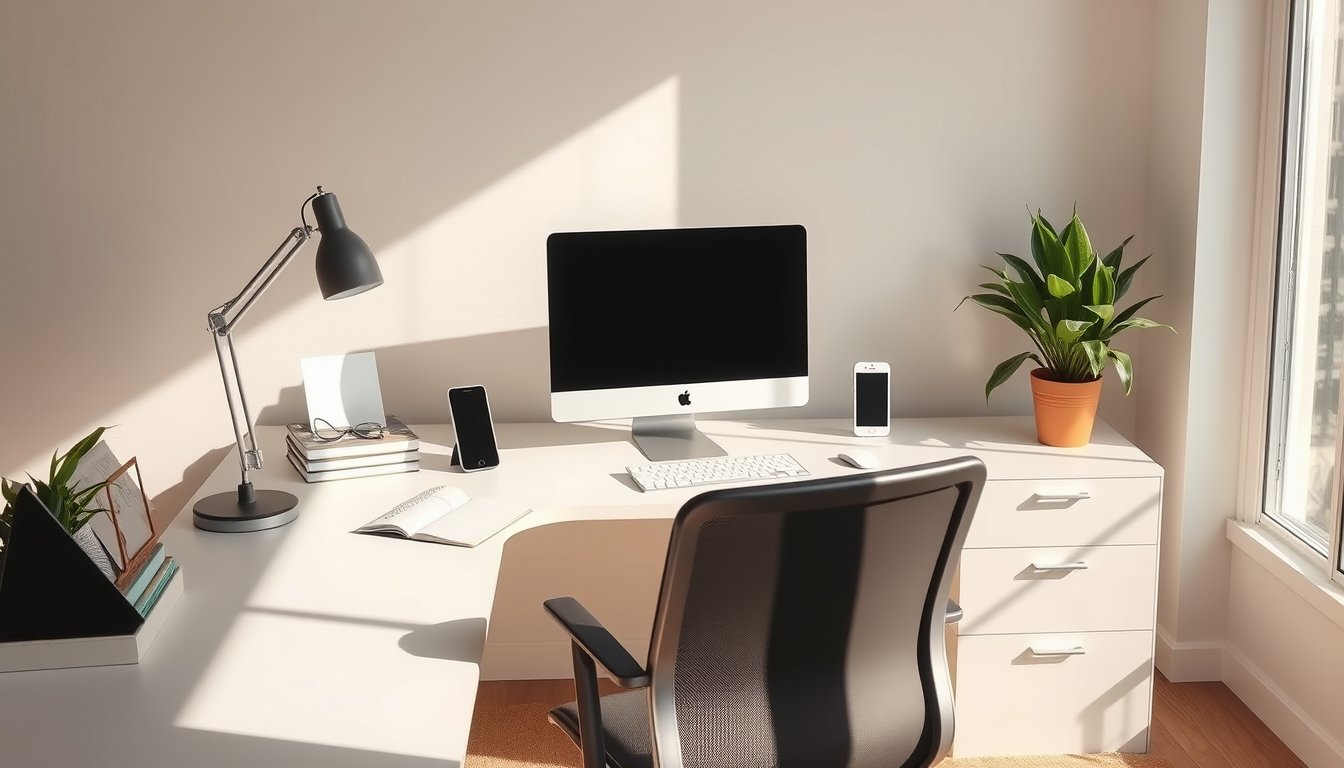
Discomfort at a desk comes from small mismatches repeated for hours. Adjust the furniture to your body rather than contorting your body to the furniture, and most of the ache disappears.
Start With the Screen
Place the top of the display near eye level and sit about an arm's length away. If the monitor sits low, your neck spends the evening bent forward, which loads the muscles at the base of the skull. If it sits too high, your eyes dry out faster because the lid opening widens. Measure the distance from your eye to the panel and keep it consistent, because sitting closer changes both focus and neck angle.
Tilt the panel back slightly so it faces you squarely, and keep the window you are watching near the middle rather than at the bottom of a tall screen. On a laptop, a stand plus an external keyboard beats hunching over the built-in one. Raise the whole screen rather than tipping your head, and a stack of books does the job as well as a stand. Blue light filters change colour more than they help, and distance from the screen does more for tired eyes.
The Chair Supports, It Does Not Fix
Set seat height so your feet rest flat and your knees sit level with or slightly below your hips. Push the lumbar support into the small of your back, then lean back a little and let the backrest carry your weight instead of your muscles. Armrests should sit where your shoulders drop and your elbows rest at roughly a right angle. If the desk is fixed at a height that does not suit you, adjust the chair and add a footrest rather than raising the seat until your feet dangle.
An expensive chair set up badly is worse than a basic one set up well. A lumbar cushion, a footrest and a folded towel cover most of what a premium chair claims to offer. Adjust the chair once and note the settings, so restoring them after someone else uses it takes seconds.
- Seat height - Feet flat on the floor, knees level with or just below the hips. Raise the desk if the chair must go higher.
- Seat depth - Two to three fingers of gap behind the knee. A seat that presses into the calf cuts circulation.
- Lumbar support - Firm contact in the inward curve of the lower back, not a pillow behind the shoulder blades.
- Armrests - Set so shoulders stay relaxed and elbows sit near a right angle, then move them aside if they block the mouse.
Keyboard, Mouse and Reach
Keep your elbows near your sides and your wrists straight rather than bent upward or outward. A keyboard with a slight negative tilt, where the back edge sits lower than the front, keeps the wrist flatter than the common positive tilt produced by pop-out feet. A wrist rest should sit under the heel of the hand rather than under the palm, and it should support the wrist instead of carrying its weight.
Put the mouse close to the keyboard and at elbow height, not up on a raised shelf. A shorter keyboard without a number pad brings the mouse nearer to your body and cuts the reach that strains the right shoulder over months of use. Keyboard height should also let the upper arm hang vertically, so the shoulder is not held up by muscle tension all evening. Lower the in-game sensitivity and make larger arm movements instead of wrist flicks.
Breaks, Eyes and Longer Sessions
Stand up every hour for a minute. Set a timer if matches make time disappear. Between matches, walk to another room, roll your shoulders and let your eyes focus on something far away, since the muscles used for distance work sit idle all evening. Movement between matches counts, and two minutes of walking does more for a stiff back than a stretch done sitting down.
Blink rate drops sharply during concentration, which is why eyes feel gritty after a long session. Damp air, a water bottle within reach and a deliberate blink now and then help more than drops. A ten-second stretch each match keeps wrists and forearms from tightening, and it is easier to do before they ache.
Light, Noise and the Room
Light the room behind the screen so the display is not a bright rectangle in a dark cave, because that mismatch is what tires eyes. A lamp aimed at the wall behind the monitor reduces the contrast at the edge of your vision and costs nothing extra.
Keep the room cool, since warm air and an enclosed headset raise skin temperature and reduce comfort over a long evening. Route cables so they do not pull on ports or cross walking space, and keep drinks away from the keyboard. Cable clips under the desk stop the tug that damages ports and cost almost nothing. A tidy setup is easier to adjust, and you adjust it more often when it is easy.